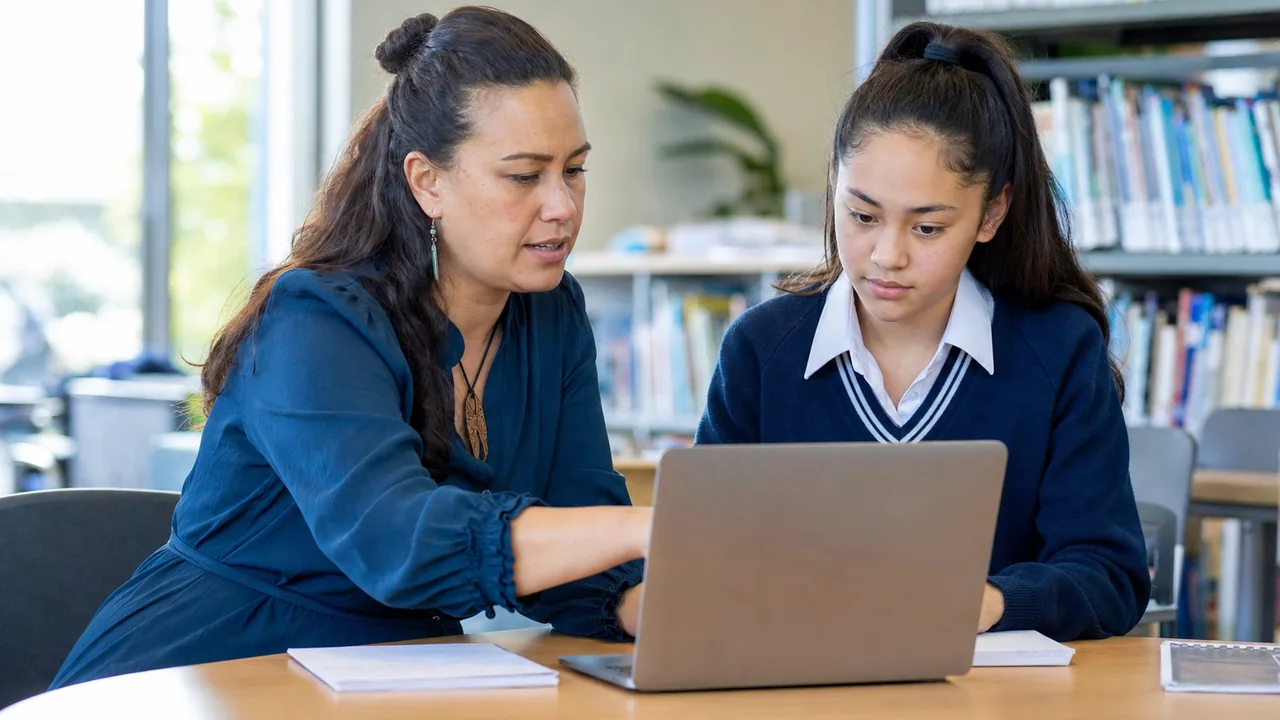
AI Tools in the Classroom - Policy Template
AI policy classroom NZ template for educators covering privacy, student data, verification, disclosure, and classroom use boundaries.
Quick answer
A classroom AI policy should say which tools are allowed, what students and teachers must not paste into them, how AI output must be checked, when AI use must be disclosed, and who approves new tools. For New Zealand schools, privacy and student data need to sit inside the policy from the start, not as an afterthought [7].
This page gives educators an adaptable AI policy classroom NZ template. Use it with Using AI Tools Safely for School and Teaching and the privacy guide before adapting it for your school [7].
What should a classroom AI policy cover?
At minimum, the policy should cover approved tools, prohibited data, teacher review, student disclosure, assessment expectations, privacy checks, and esc
alation when something goes wrong. The Ministry of Education's AI guidance recognises that schools need clear thinking about how artificial intelligence is used in learning settings [7].
The policy should be short enough that staff and students can use it. A long document that no one reads will not protect student information or improve classroom practice [2].
Policy template: acceptable classroom use
Use this as a starting point and adapt it to your school's own rules: AI tools may be used for brainstorming, drafting practice questions, summarising non-sensitive material, generating examples, and supporting accessibility where the teacher has checked the output and the tool is suitable for the age and context [7].
AI tools must not be used to process student personal information, behavioural notes, assessment records, medical details, learning support information, or private family information unless the school has approved that specific tool and use case [2].
Policy template: student expectations
Students should be told when AI use is allowed, when it is not allowed, and when they must disclose it. A simple classroom rule is: if AI helped produce the submitted work, the student should be ready to explain what they used, what they changed, and what they checked [7].
Students should not paste another student's work, personal information, or private messages into an AI tool. Children and young people deserve careful privacy protection, and classroom AI use should reflect that standard [3].
Policy template: teacher checks before using a tool
Policy template: teacher checks before using a tool
Before using an AI tool with a class, educators should check what data the tool collects, whether it uses prompts for training, whether students need accounts, what age limits apply, and whether the school has approved the tool. A privacy impact assessment can help schools make these decisions consistently [3].
How should the policy handle accuracy and citations?
AI output should be treated as a draft or suggestion, not as a source of truth. Teachers and students should check factual claims against reliable sources before using AI output in lesson materials, assessment support, or public-facing school communication [7].
If the tool generates references, quotes, or statistics, those must be verified before use. Fabricated references are a known classroom risk because they can look polished while being wrong [7].
What should happen when something goes wrong?
The policy should name a contact person or team for privacy concerns, unsafe output, accidental sharing, account problems, and student wellbeing issues. If student personal information may have been exposed, the school should follow its normal privacy process and use the Privacy Commissioner's tools to assess next steps [1].
The response should focus on containment and learning. Stop the risky use, preserve enough detail to understand what happened, tell the right school contact, and adjust the policy if the incident exposed a gap [2].
Knowledge check
Use these cards with staff before the template is adopted, so the policy does not sit unused in a shared drive.
Sources and references
[7] New Zealand. Ministry of Education. (2025). Artificial intelligence. https://www.education.govt.nz/school/digital-technology/artificial-intelligence/
[1] New Zealand. Office of the Privacy Commissioner. (2025). Privacy tools for agencies. https://www.privacy.org.nz/responsibilities/privacy-tools-for-agencies/
[2] New Zealand. Office of the Privacy Commissioner. (2025). Privacy Impact Assessments. https://www.privacy.org.nz/responsibilities/privacy-impact-assessments/
[3] New Zealand. Office of the Privacy Commissioner. (2025). Children and young people privacy. https://www.privacy.org.nz/focus-areas/children-and-young-people-policy-project/
Key takeaways
- A classroom AI policy needs tool approval, data boundaries, verification rules, disclosure expectations, and escalation steps [7].
- Student information should not be pasted into unapproved AI tools [2].
- A privacy impact assessment helps schools evaluate new AI use cases consistently [3].
- Teachers and students should verify AI output before relying on it [7].
- Bottom line: write the policy so a busy teacher can use it, then connect it to Using AI Tools Safely for School and Teaching for the practical classroom checks [7].
What to do next
- Use Using AI Tools Safely for School and Teaching as the operational companion.
- Check Privacy checks for school tools and student data.
- Align the policy with Privacy Act 2020 Guide for NZ Schools.
- Ask tool vendors the questions in AI Tool Privacy Questions for NZ Schools.
- Link this policy to the parent AI surface at AI and Security.