Deepfake and AI Scams: What NZ Educators Need to Know in 2026
A practical NZ educator guide to recognising deepfake voice scams, AI phishing, synthetic media, and school impersonation risks.
Why this matters for schools
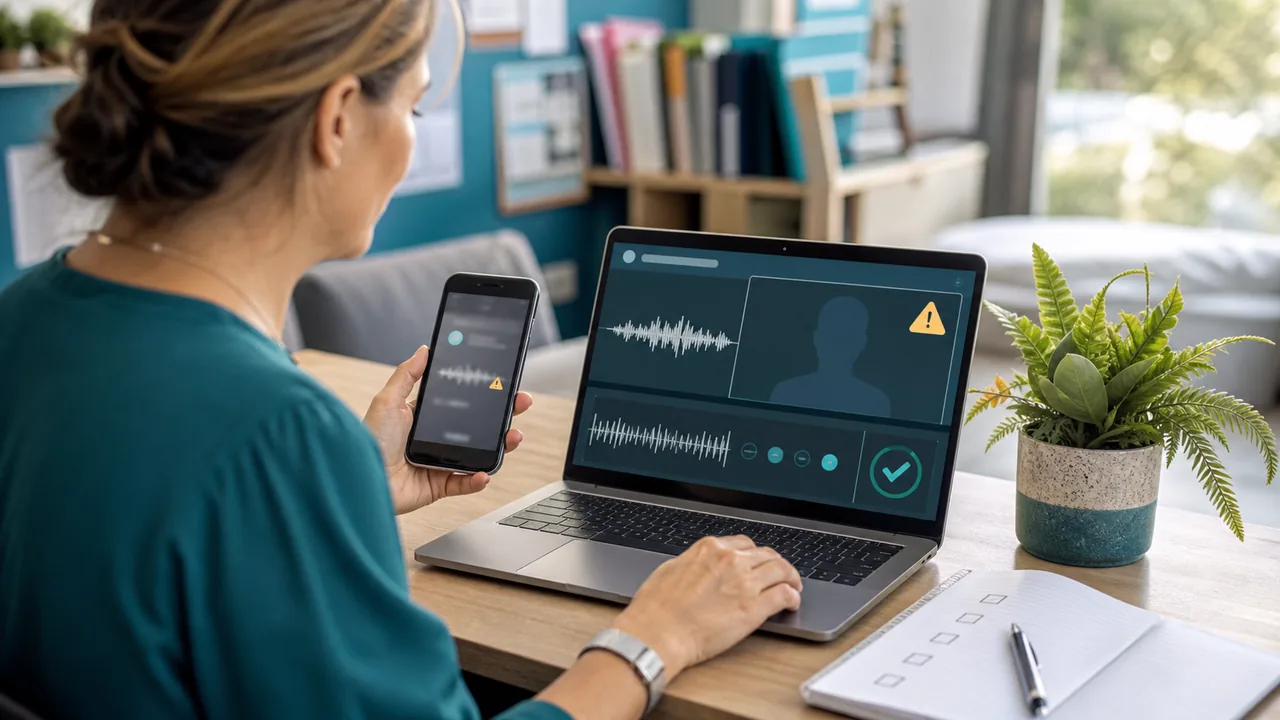
Deepfake scams are not just a celebrity or politics problem. For schools, the practical risk is impersonation: a fake voice note from a senior leader, an AI-written email that sounds like a colleague, a synthetic image used to embarrass a student, or a scam message that borrows enough school context to feel real.
New Zealand's Own Your Online guidance tells people to understand common online risks, including scams and fraud designed to trick people into giving away personal or financial information [1]. AI changes the packaging. The safe response is still familiar: slow down, verify the person, and avoid acting on pressure.
The danger is not that every suspicious message is a deepfake. The danger is that a realistic fake can make an ordinary scam feel urgent, personal, and believable.What counts as a deepfake or AI scam?
A deepfake is synthetic audio, image, or video made or altered to make someone appear to say or do something they did not. In a school context, the risk may look like:
- a voice message that sounds like a principal, board member, supplier, parent, or colleague
- an AI-written email that imitates a staff member's tone
- a fake screenshot or image of a student or staff member
- a social-media account using generated photos or copied school details
- a phishing page or message that appears after a realistic AI-generated conversation
Netsafe's deepfake guidance treats manipulated media as a safety and harm issue, especially when the material is used to deceive, harass, or pressure someone [2]. Schools should handle these cases as both digital-safety issues and safeguarding issues, not just as technology curiosities.
How might this show up in a New Zealand school?
The most likely school scenarios are practical and awkward:
- a finance or office staff member receives a voice note asking for urgent payment
- a teacher receives a message that appears to come from school leadership asking for account details
- a student shares an edited image of another student in a group chat
- a parent receives a fake message claiming a school payment or account issue
- a staff member is impersonated in a social-media or email conversation
Police advice on scams and fraud is clear that scammers try to get money, personal information, or access by making requests look legitimate [3]. Deepfake and AI tools can make that request feel more personal, but the verification steps should not change.
What warning signs should educators look for?
Do not rely on spotting perfect technical clues. AI-generated material is getting harder to judge by appearance alone. Instead, look at the request and the context.
Useful warning signs include:
- urgency around payments, login details, files, codes, or student information
- a request that bypasses the school's usual process
- a voice note or video that avoids a normal two-way conversation
- unusual wording from a familiar person
- a new phone number, email address, or chat account claiming to be someone known
- pressure not to check with anyone else
If the message asks for money, access, student information, or secrecy, treat it as high risk even if the voice, image, or writing looks convincing.
How should a school verify a suspicious voice or video request?

Use a second channel you already trust. Do not reply inside the same thread or call the number supplied in the suspicious message.
A safer verification process:
- stop the action the message is asking for
- contact the person through a known school number, staff directory, or existing account
- ask a direct question in a live conversation if the request is sensitive
- check whether the request follows the normal approval process
- preserve the original message, link, audio, screenshot, or sender details
- report the concern to the right school contact
For account and message-level checks, NZAI's How to Spot Phishing Emails, Scams, and Fake Messages remains the baseline. Deepfake verification builds on those habits rather than replacing them.
What if students are involved?
Student-facing synthetic media can quickly become bullying, harassment, reputational harm, or a privacy problem. If a student appears in a manipulated image, audio clip, or video, the school should avoid treating it as a harmless prank until the facts are clear.
Practical first steps:
- preserve evidence without forwarding it around
- support the affected student and limit further sharing
- involve pastoral, safeguarding, or leadership staff early
- consider whether the material includes personal information
- avoid making public claims until the school has checked what happened
- use the school's existing online-safety and behaviour processes
If personal information has been exposed, misused, or sent to the wrong person, the Office of the Privacy Commissioner's privacy-breach guidance is relevant [4]. The issue may need both student-support and privacy-response handling.
What should staff be told now?
Keep the staff guidance short. The aim is not to make every educator a media-forensics expert. The aim is to give people a safe default.
A useful staff message:
If a message, voice note, video, or image asks you to make a payment, share access, disclose student information, approve a login, or bypass a normal process, verify it through a separate trusted channel first. Do not act just because it sounds or looks like someone you know.
That rule is simple enough to remember under pressure. It also works for ordinary phishing, supplier fraud, social-media impersonation, and AI-generated scams.
What should schools put in their AI-safety practice?
AI-scam preparation belongs inside ordinary school cyber and digital-safety habits:
- payment and bank-detail changes require second-channel verification
- staff know how to report suspicious messages and impersonation attempts
- students know that synthetic images or voice clips can cause real harm
- school leaders avoid asking staff to bypass normal approval processes by informal message
- office and finance staff have a clear escalation path for unusual requests
- privacy-breach assessment is part of the response when student or staff information is involved
For broader AI use in teaching, use AI Safety for New Zealand Educators. For student guidance, use AI Safety for Students in New Zealand.
A quick deepfake-scam checklist for educators
What to take away from this
- AI can make scams sound more personal, but the safest response is still second-channel verification.
- Treat urgent requests for payments, passwords, MFA codes, student information, or secrecy as high risk.
- Preserve suspicious audio, images, videos, messages, and sender details without spreading them further.
- If students are affected by synthetic media, treat it as a safety and privacy issue, not just a technology issue.
- When in doubt: pause the action and verify the person through a channel you already trust. For the baseline message-checking workflow, use How to Spot Phishing Emails, Scams, and Fake Messages.
Sources and references
[1] Own Your Online. (2026). Know the risks: Personal. https://www.ownyouronline.govt.nz/personal/know-the-risks/
[2] Netsafe New Zealand. (2025). Deepfakes. https://netsafe.org.nz/deepfakes/
[3] New Zealand Police. (2024). Scams and fraud. https://www.police.govt.nz/advice/email-and-internet-safety/internet-scams-spam-and-fraud
[4] New Zealand. Office of the Privacy Commissioner. (2026). Sorting out privacy breaches. https://www.privacy.org.nz/responsibilities/privacy-breaches/
Related NZAI guidance
Use AI & Security for the parent pathway for AI-safety and trust guidance.
For classroom AI practice, read AI Safety for New Zealand Educators.
For student-facing boundaries, read AI Safety for Students in New Zealand.
For the broader educator cyber-safety pathway, see Cyber Security for New Zealand Educators.
For account and phishing basics, read Passwords, passphrases, and MFA: a simple guide.
Advertisement disclosure: This page may display relevant advertisements. Ad placements are clearly identified and do not influence NZAI Security's editorial decisions. See our full disclosure policy.